

Two-factor authentication (2FA) can play a key role in securing your applications against password data breaches. Authentication with a one-time password (OTP) delivered to your users over SMS is an effective approach to implementing two-factor authentication. Plivo’s premium direct routes guarantee the highest possible delivery rates and the shortest possible delivery times for your 2FA SMS messages. This guide shows how to set up SMS-based two-factor authentication using either or traditional API development. PHLO lets you create and deploy workflows from an intuitive graphical canvas in few clicks.Documentation Index
Fetch the complete documentation index at: https://plivo.com/docs/llms.txt
Use this file to discover all available pages before exploring further.
- Using API
Here’s how to implement 2FA using Plivo APIs.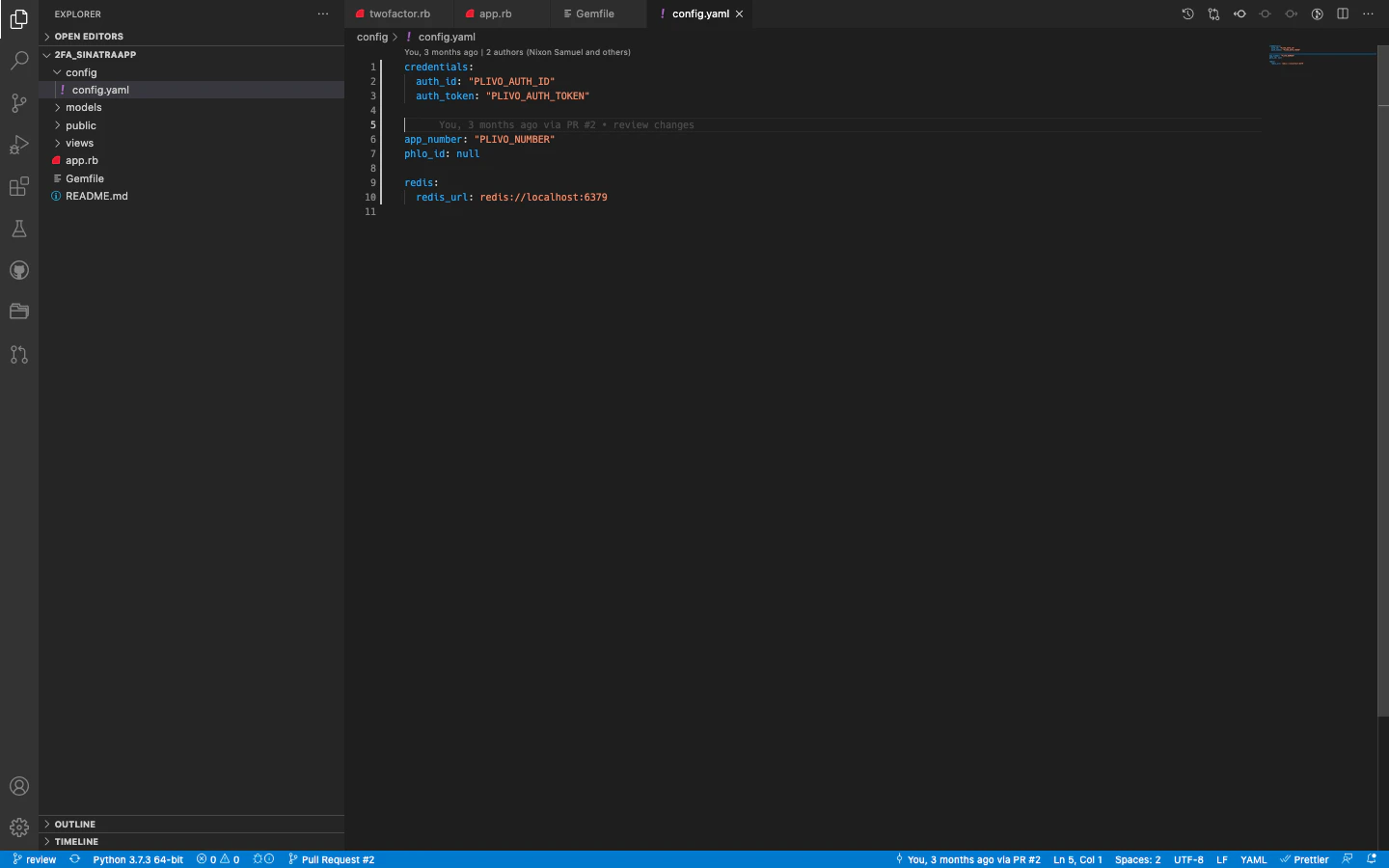
Prerequisites
To get started, you need a Plivo account — sign up with your work email address if you don’t have one already. If this is your first time using Plivo APIs, follow our instructions to set up a Ruby development environment.Set up the demo application locally
- Clone the repository from GitHub.
- Change your working directory to 2fa-ruby-demo.
- Install the dependencies using the Gemfile.
- Edit config.yaml. Replace the auth placeholders with your authentication credentials from the Plivo console. Replace the phone number placeholder with an actual phone number in E.164 format (for example, +12025551234). Replace the PHLO ID with
null.