> ## Documentation Index
> Fetch the complete documentation index at: https://plivo.com/docs/llms.txt
> Use this file to discover all available pages before exploring further.
# Managing WhatsApp templates
> Create, sync, and manage Meta-approved WhatsApp message templates
Businesses can only initiate WhatsApp messages using templates approved by Meta. Create new templates in [WhatsApp Manager](https://business.facebook.com/wa/manage/message-templates/?), or programmatically via the [WhatsApp Templates API](/messaging/api/whatsapp-templates/). [Meta categorizes templates](https://developers.facebook.com/docs/whatsapp/updates-to-pricing/new-template-guidelines) as either utility, marketing, or authentication, depending on message content. The template category determines your conversation type for business-initiated outbound WhatsApp messages, and, along with WABA currency, also determines [how your conversation is charged](https://developers.facebook.com/docs/whatsapp/pricing).
Meta may take up to 24 hours to approve new templates. We recommend sticking to [Meta’s template guidelines](https://developers.facebook.com/docs/whatsapp/message-templates/guidelines/) for the fastest turnaround.
## Template information on the Plivo console
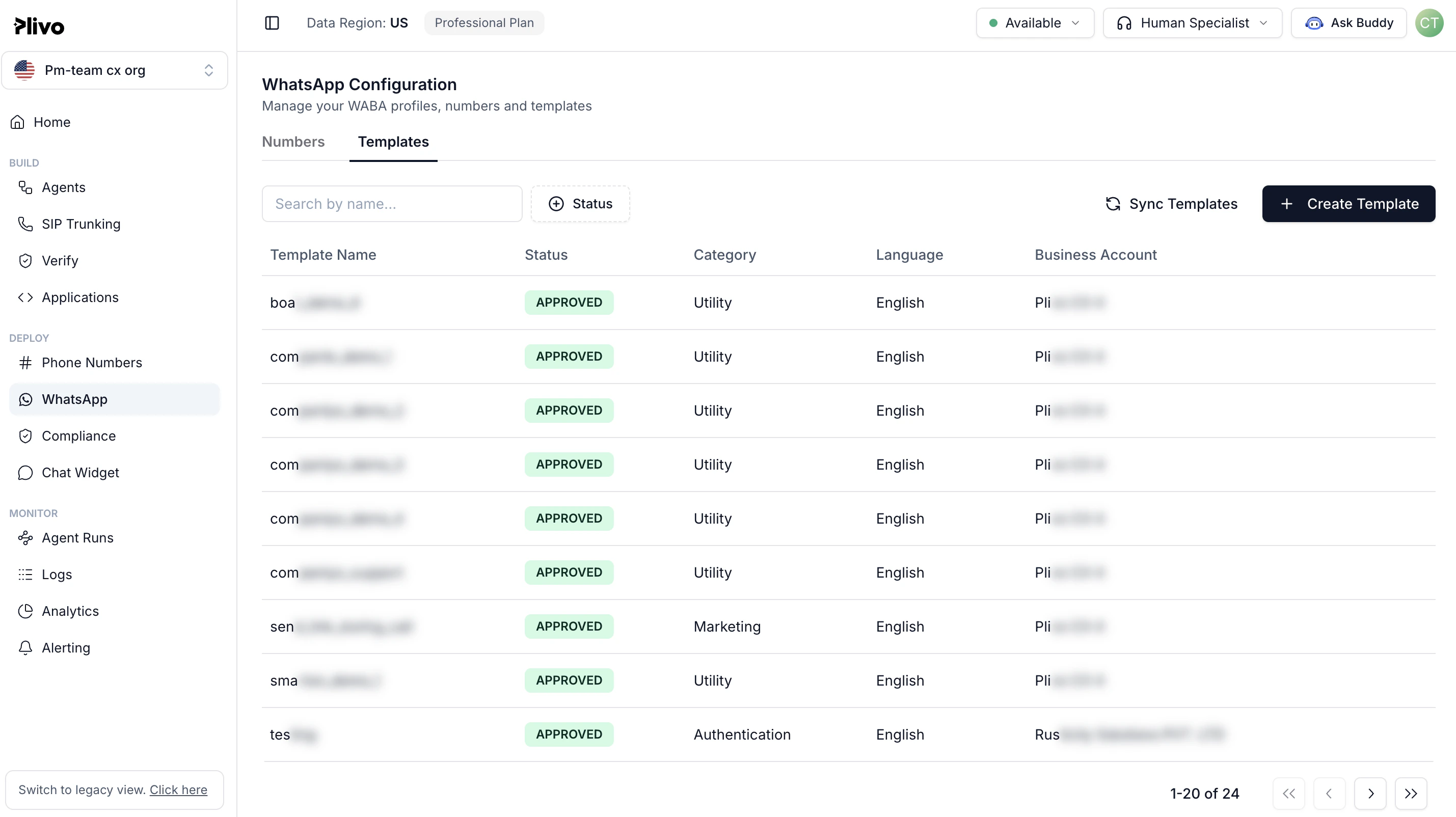
You can view template information from the Plivo console. Go to Messaging > WhatsApp Business Account > Selected WhatsApp Business Account > Templates and click on the second tab, WhatsApp Templates. Click on Sync Templates from WhatsApp to fetch the latest template details from Meta.
Along with the template language and status, this view also shows why recipients are blocking your messages. Maintain the quality of your account by monitoring the Top Block Reason values and addressing any patterns that cause reported problems.