> ## Documentation Index
> Fetch the complete documentation index at: https://plivo.com/docs/llms.txt
> Use this file to discover all available pages before exploring further.
# Buy a Number
> Rent and configure phone numbers for your AI Agents
The platform allows you to acquire new phone numbers for various communication channels like SMS, Voice, and WhatsApp, directly from the Plivo platform.
### How to Buy a Number
1. **Phone Numbers Settings**: Navigate to the **Settings** and select the **Phone Numbers** tab.
2. **Click "Buy New Number"**: In this section, you can browse through available phone numbers for different countries.
3. **Choose the Country and Type of Number**: Based on your location and needs, you can filter numbers by country, and select from types like local, toll-free, or SMS/Call-enabled numbers.
4. **Select Your Desired Number**: Browse the available options and pick the number that suits your needs. Once selected, proceed to the next step.
5. Once you've selected a number, you can set an **alias name** for easy identification.
If you no longer need a number, you can delete it. Once deleted, the number is immediately unrented and will no longer be available for use.
### Compliance for Buying Numbers in India
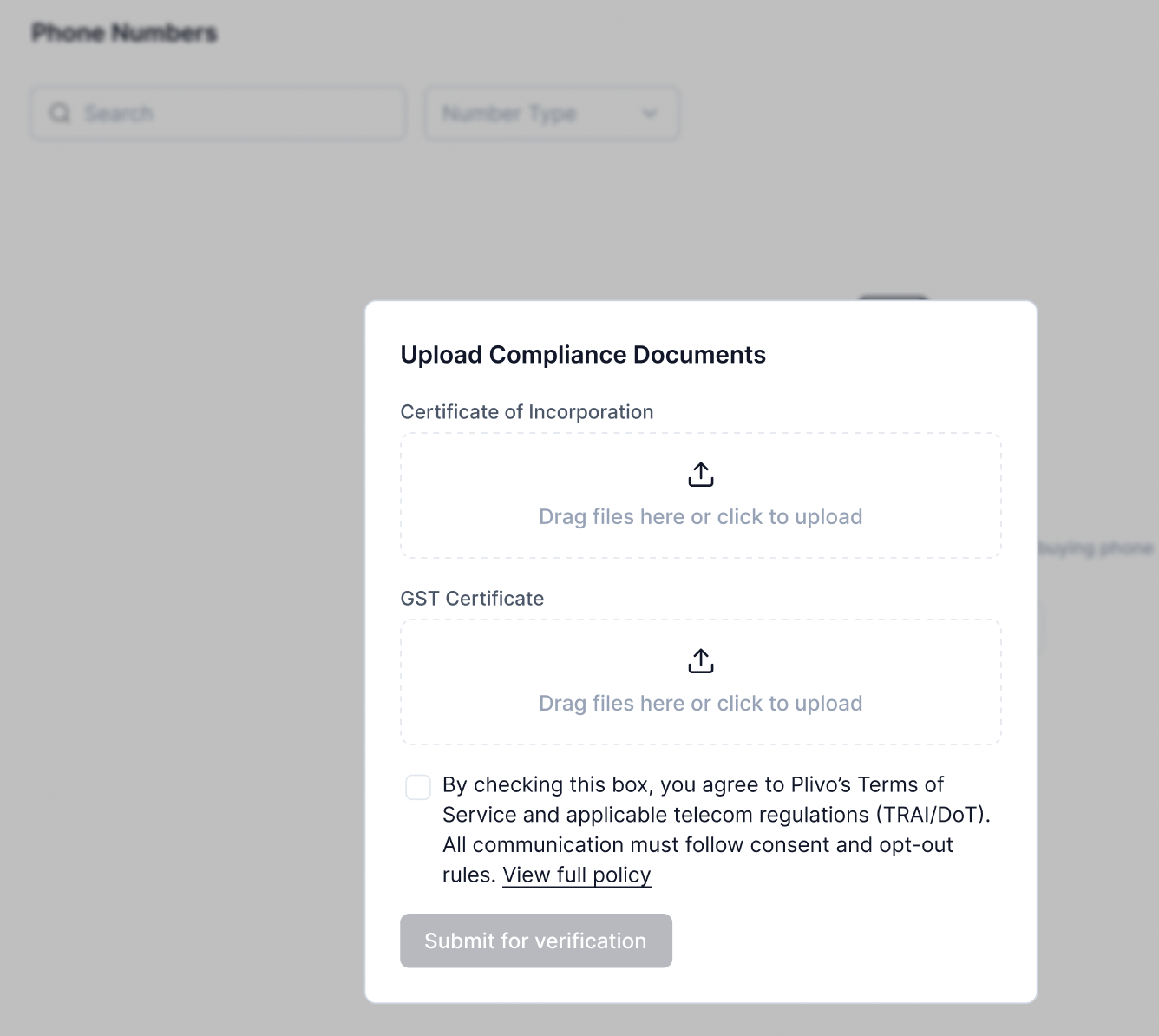 To purchase a phone number in India, you must first complete the compliance process by submitting two documents: a business registration certificate (**Certificate of Incorporation** or **Udyam Registration Certificate**) and a tax registration document (**Business PAN** or **GST Certificate**).
Once your documents are successfully verified, you will be able to buy and configure phone numbers for use with your workflows.
To purchase a phone number in India, you must first complete the compliance process by submitting two documents: a business registration certificate (**Certificate of Incorporation** or **Udyam Registration Certificate**) and a tax registration document (**Business PAN** or **GST Certificate**).
Once your documents are successfully verified, you will be able to buy and configure phone numbers for use with your workflows.